




A training video creator to better share your knowledge
Captivate your learners' attention and make your training videos even more memorable. Pitchy's online video editor lets you create unlimited, effective and engaging training videos at a competitive cost.




Use cases
A video creator that covers all your training needs
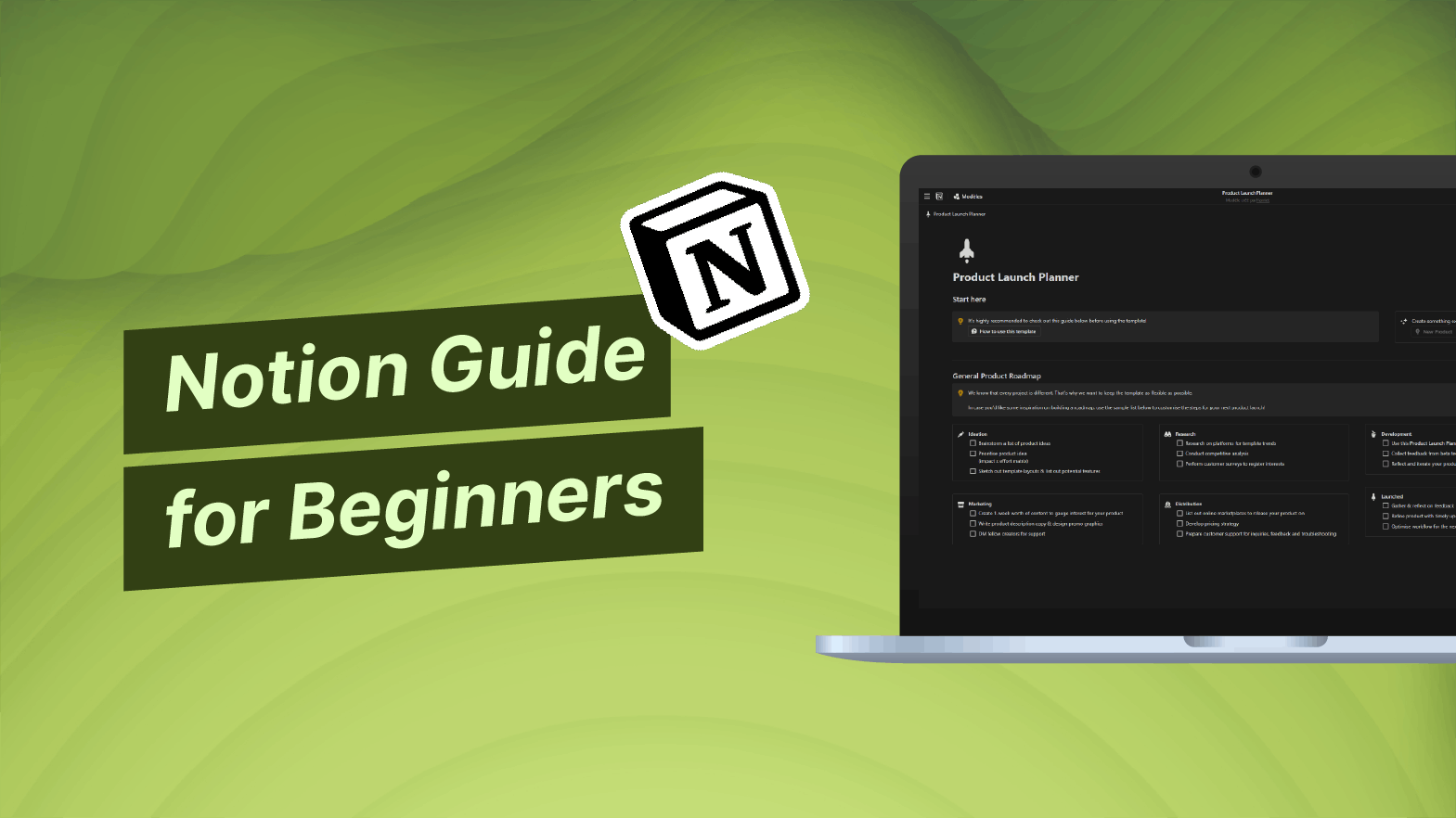
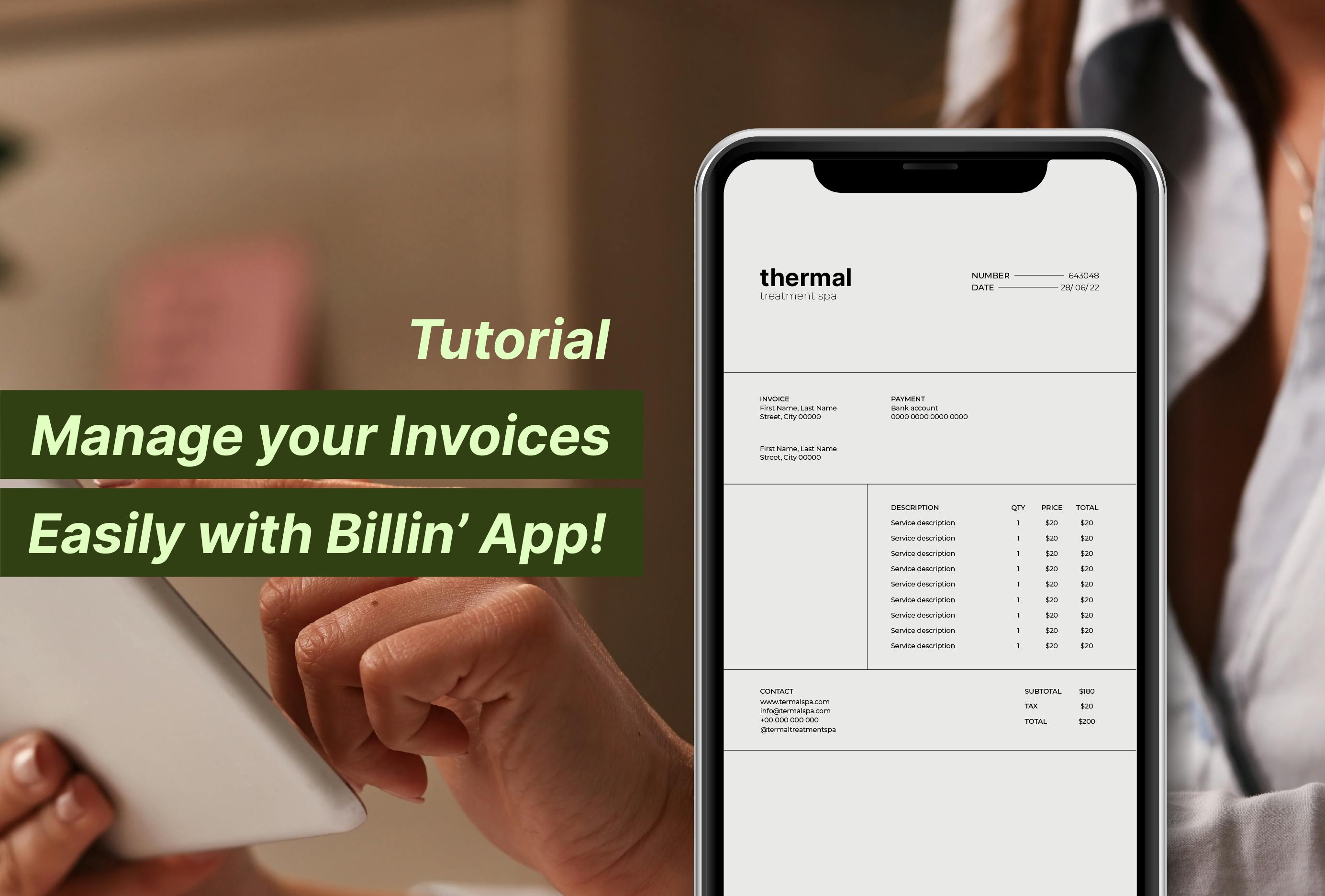
Software training (screen recording, tutorials, etc.)
Master software effortlessly! Create tutorials and demos swiftly, with expert guidance for maximum efficiency.
Professional gestures training
Hone your skills! Craft engaging training videos, perfect your technique, and receive personalized coaching for professional growth.

Training support
Elevate your learning experience through videos! Engage in interactive e-learning, micro-learning, and MOOCs with dynamic video content and tailored guidance.

Teaser/Invitation to a training course
Ignite excitement with videos! Craft captivating teasers and invitations, enticing learners to join immersive training experiences.
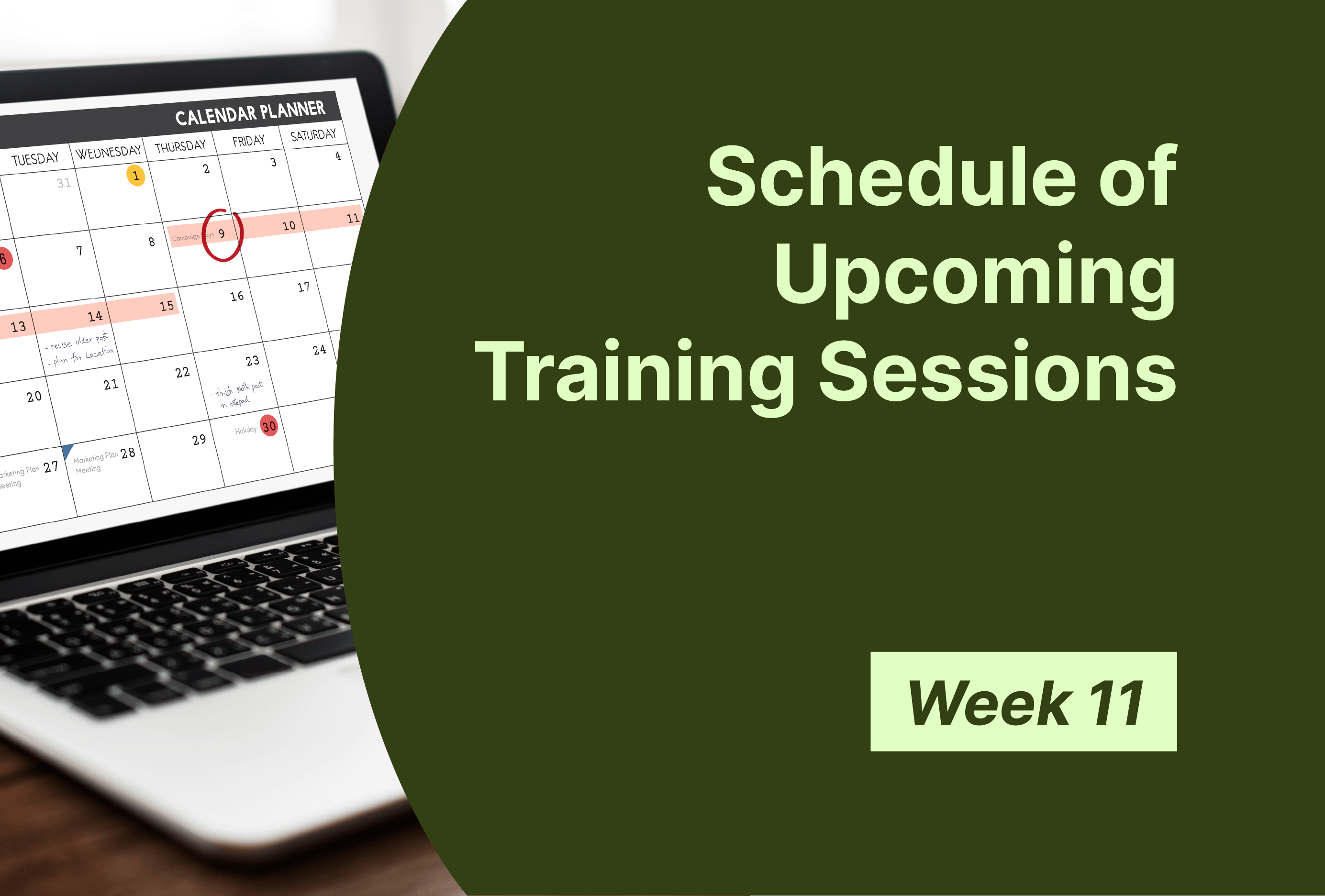
Training system
Revolutionize your training system! Seamlessly integrate video content, tailor courses to evolving needs, and ensure unparalleled engagement.
Training evaluation
Measure success with Pitchy! Evaluate training impact effectively with insightful video analytics and adaptable content for continuous improvement.
Why choose Pitchy for your training projects?

End-to-end video creation
Pitchy is the only video tool on the market that covers the entire video creation process, from capturing and editing to broadcasting.

Professional-quality rendering
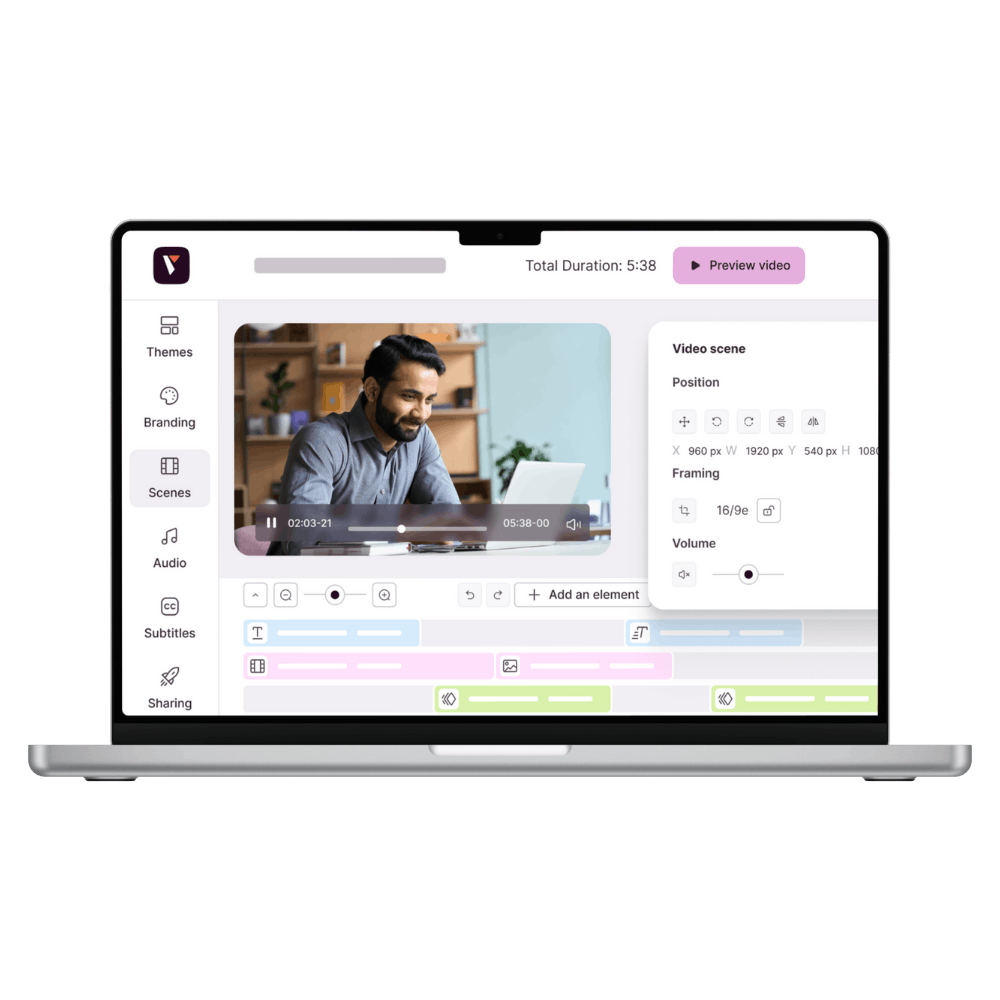
Regardless of your video editing skills, Pitchy enables you to create professional-quality videos akin to agency-level results in record time. Thanks to our intuitive training video creation software, creating your training videos will no longer be a burden.

Unlimited edits
Your learners' needs evolve, and your training courses must also stay constantly updated. With Pitchy, you can modify your video project as many times as needed at no extra cost.
How it works?
How to make a good training video?
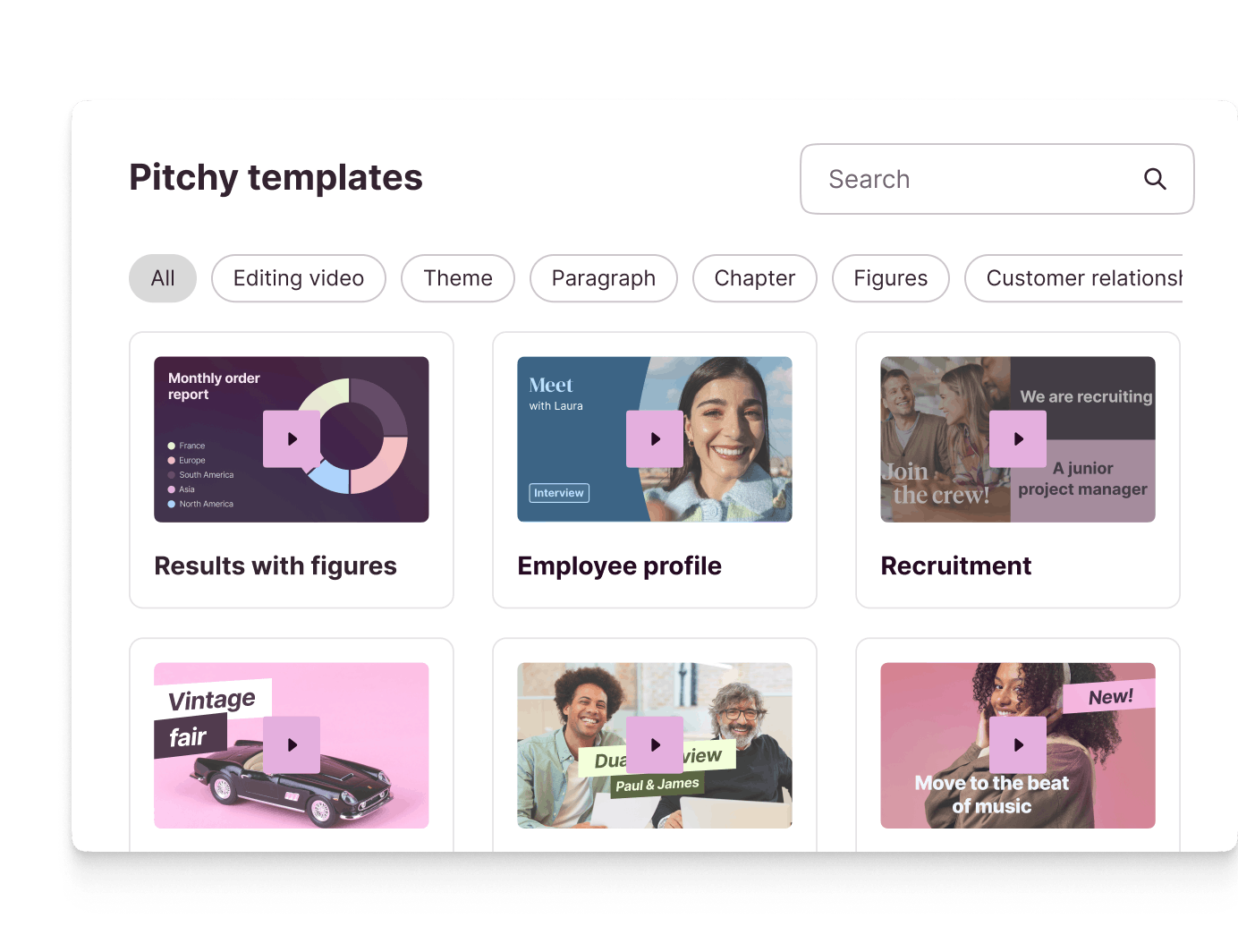
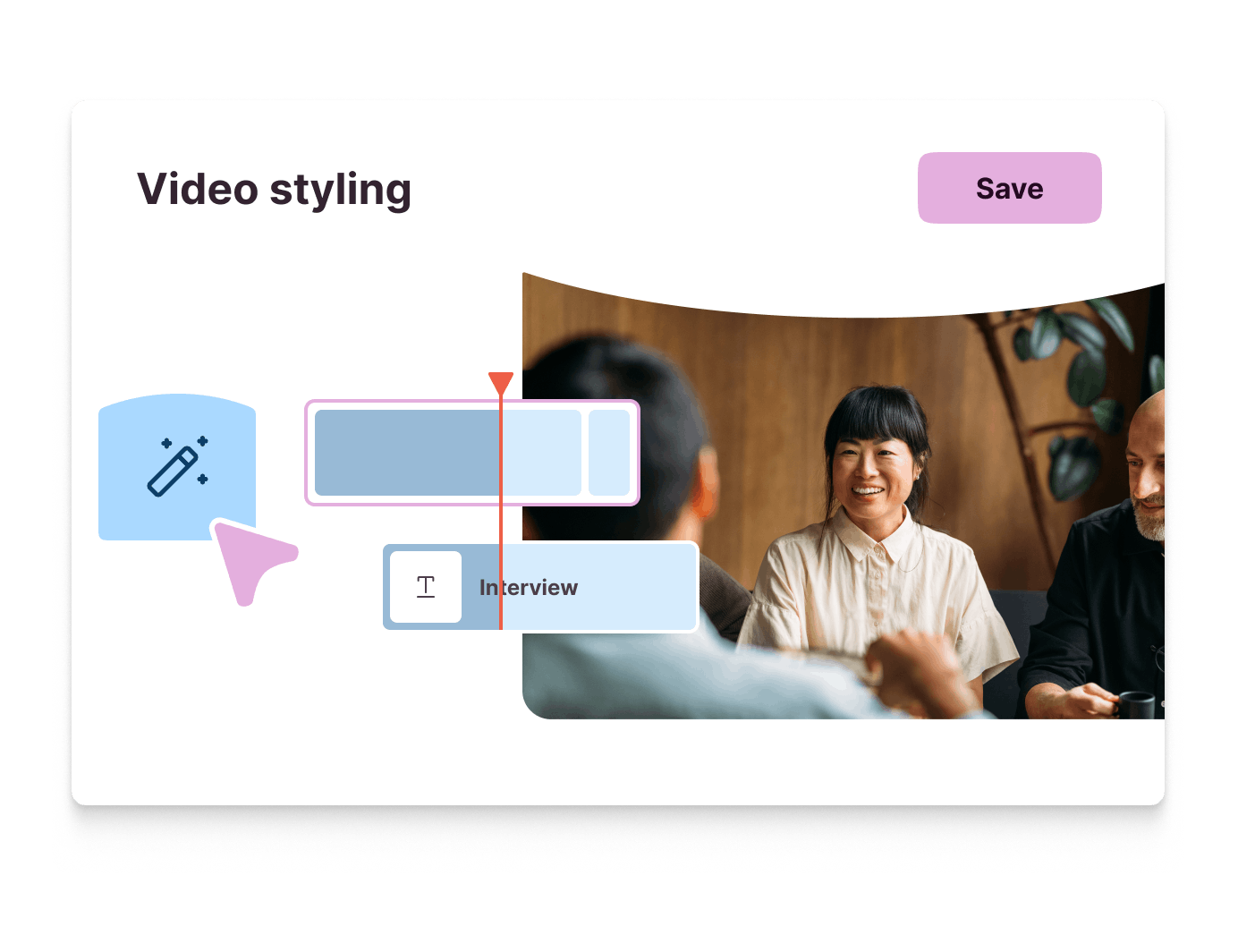
Select one of our pre-made video templates or start from scratch
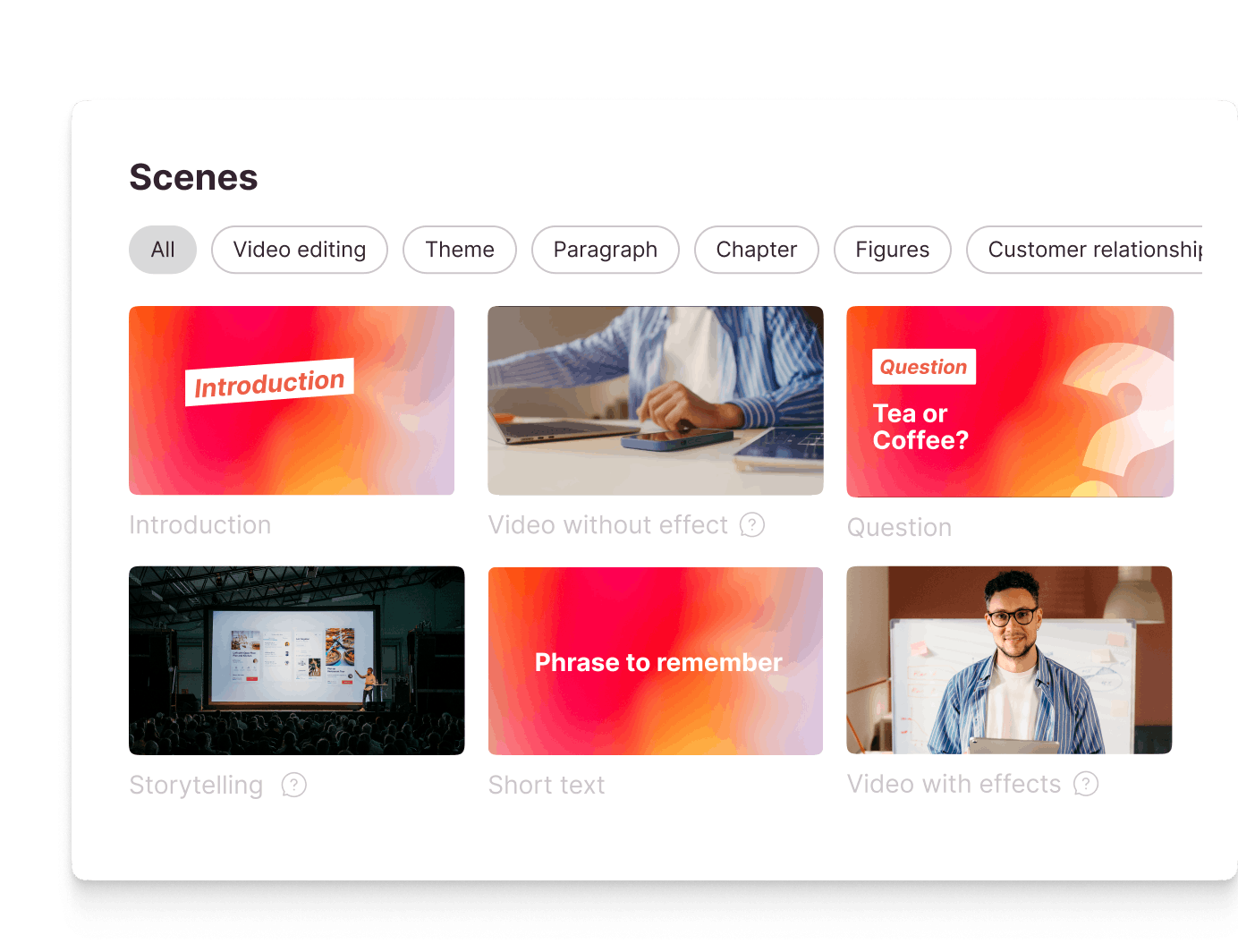
Adjust the scenario and its scenes according to your video project
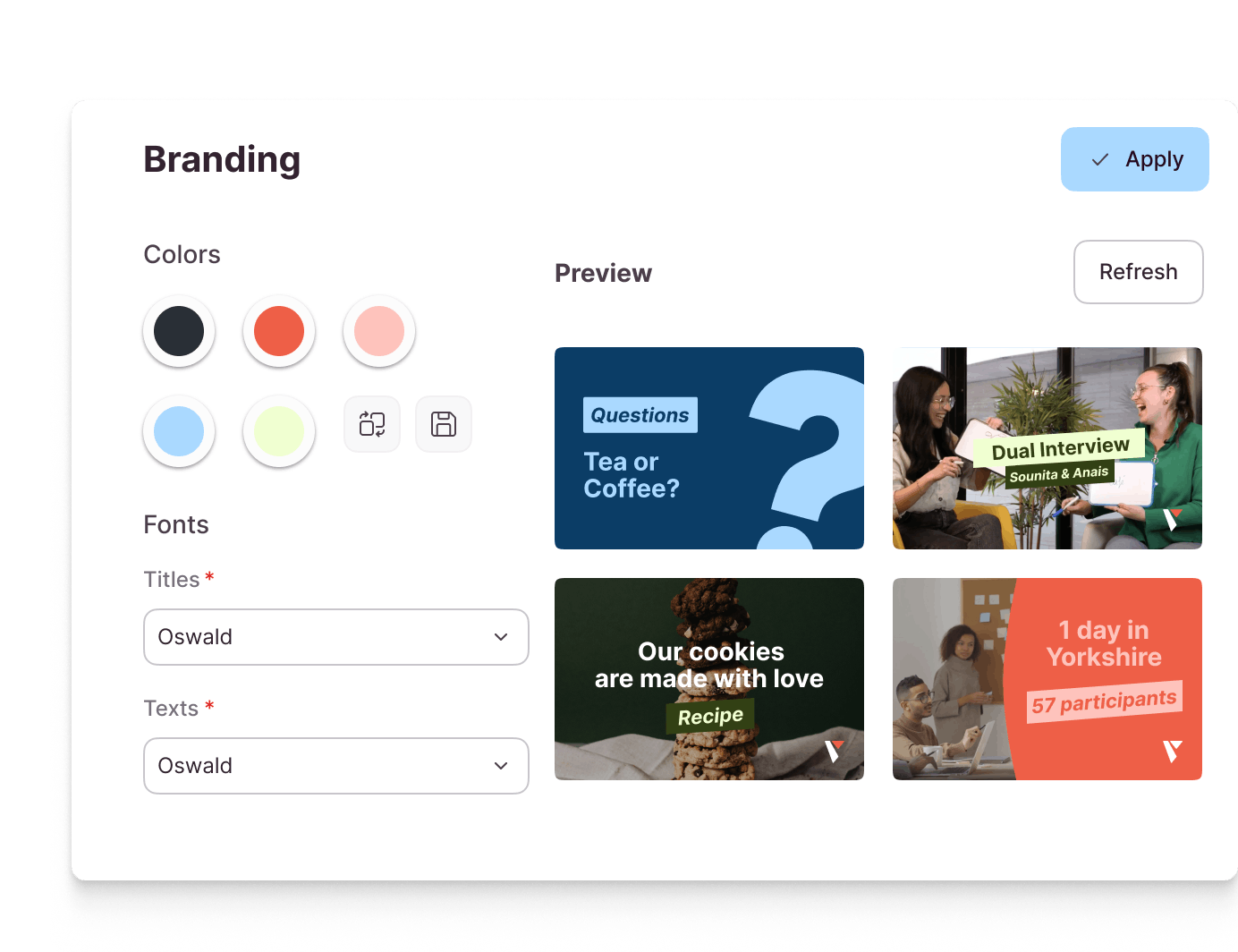
Customise your video to match your corporate identity
Dress up your video: text, images, icons, animated elements...
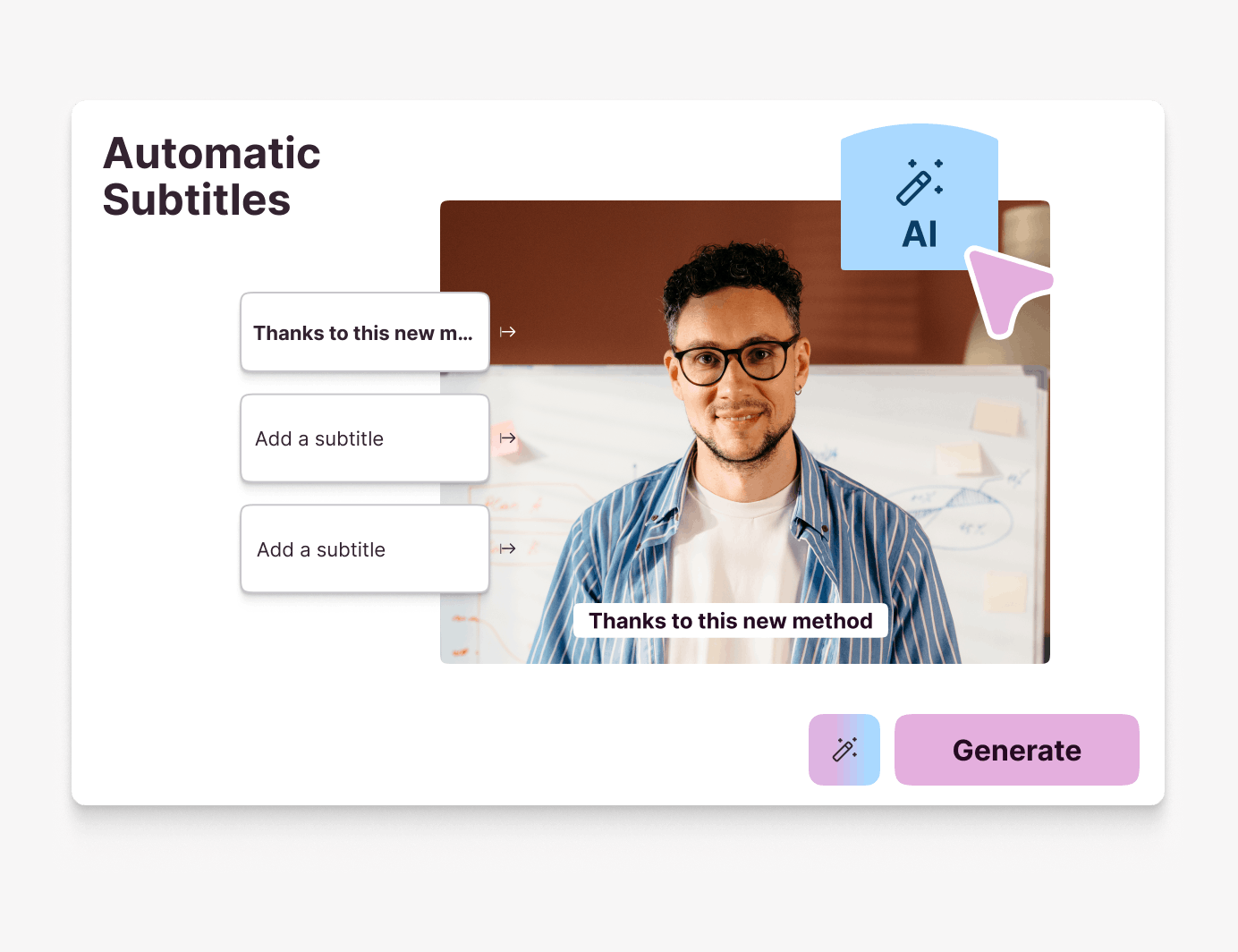
Add post-production elements: music, voice-over, subtitles...
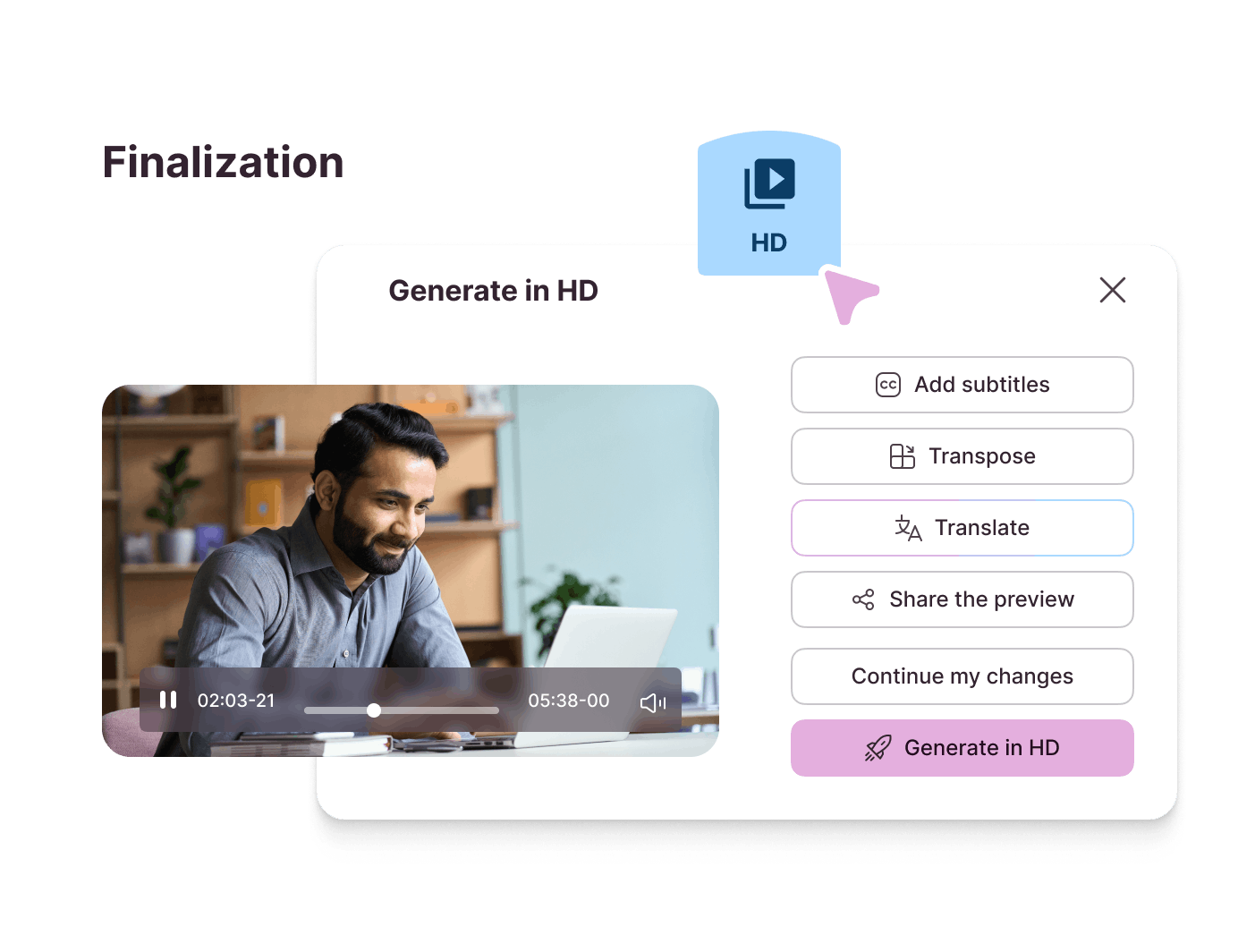
Your video project is now ready to be generated and broadcast
Training video, in numbers
18%
E-learning boosts employee motivation by 18%.

65%
On average, learners retain about 65% of the information presented in a training video after one week.
10min
The optimal duration of a training video varies, but in general, training videos under 10 minutes are preferred for e-learning, as they keep the learner's attention.
46%
of companies using video for internal communications use it for training, one of the most common use cases after company culture and HR communications (source: 2026 Pitchy video Barometer)
Features
Key features for a successful training video creator
Screen recording

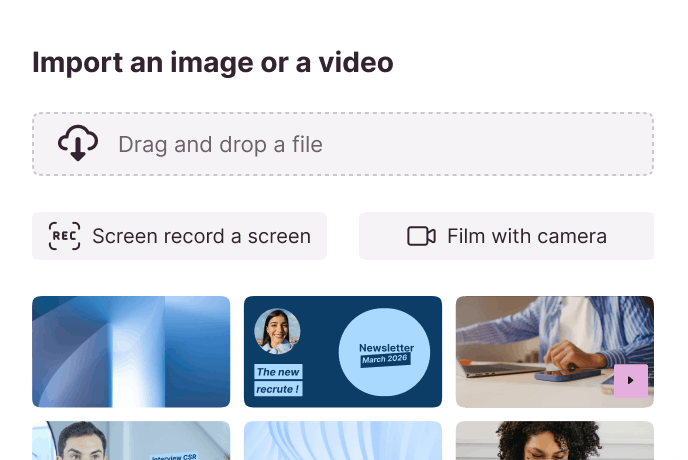
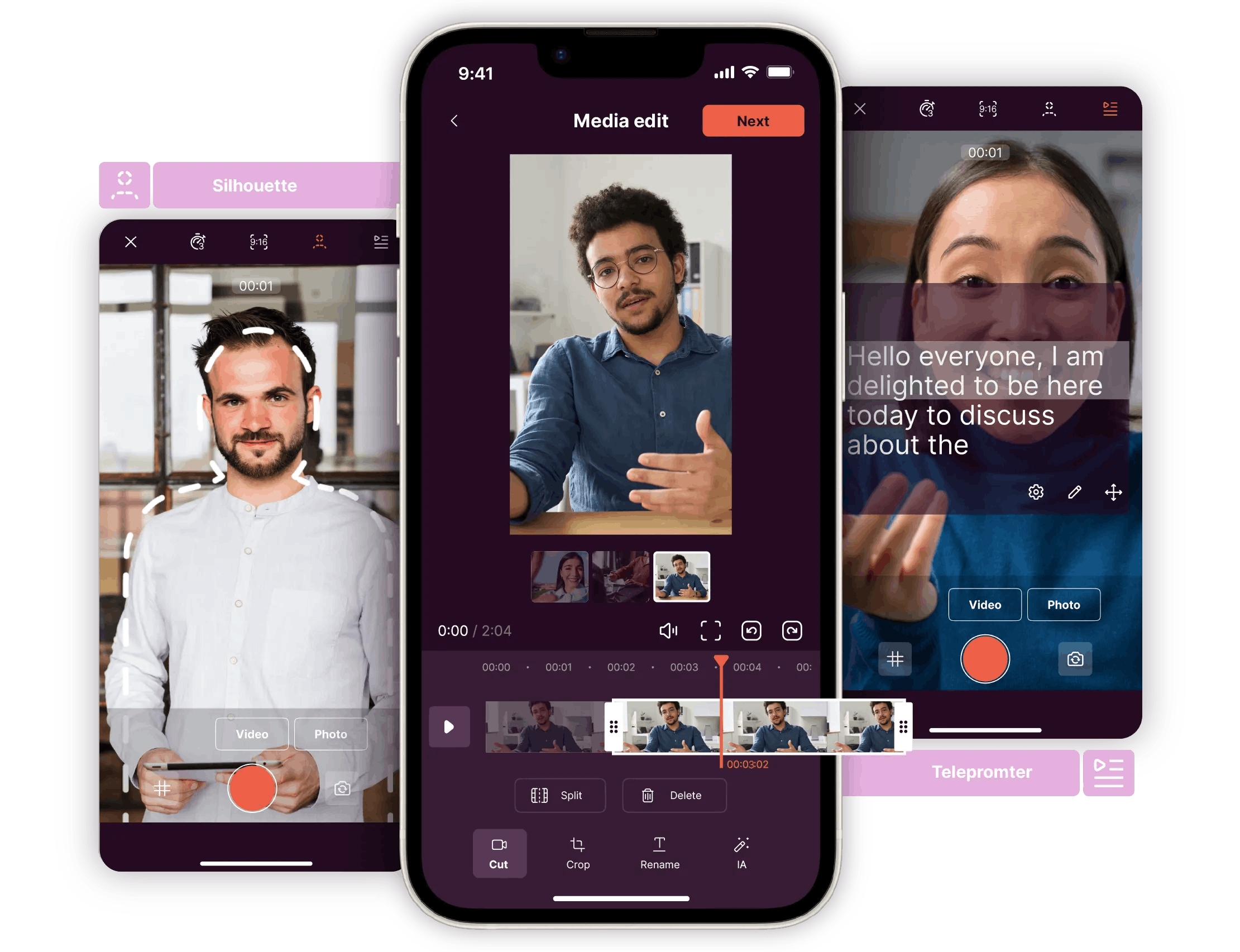
Record your screen (software, app...) directly from our video editor to make your training more explicit and make it easier for your employees to learn.

SCORM format
With Pitchy, you can export your video in SCORM (Sharable Content Object Reference Model) format, primarily intended for Learning Management System (LMS) platforms, facilitating distance learning.

Automatic subtitles
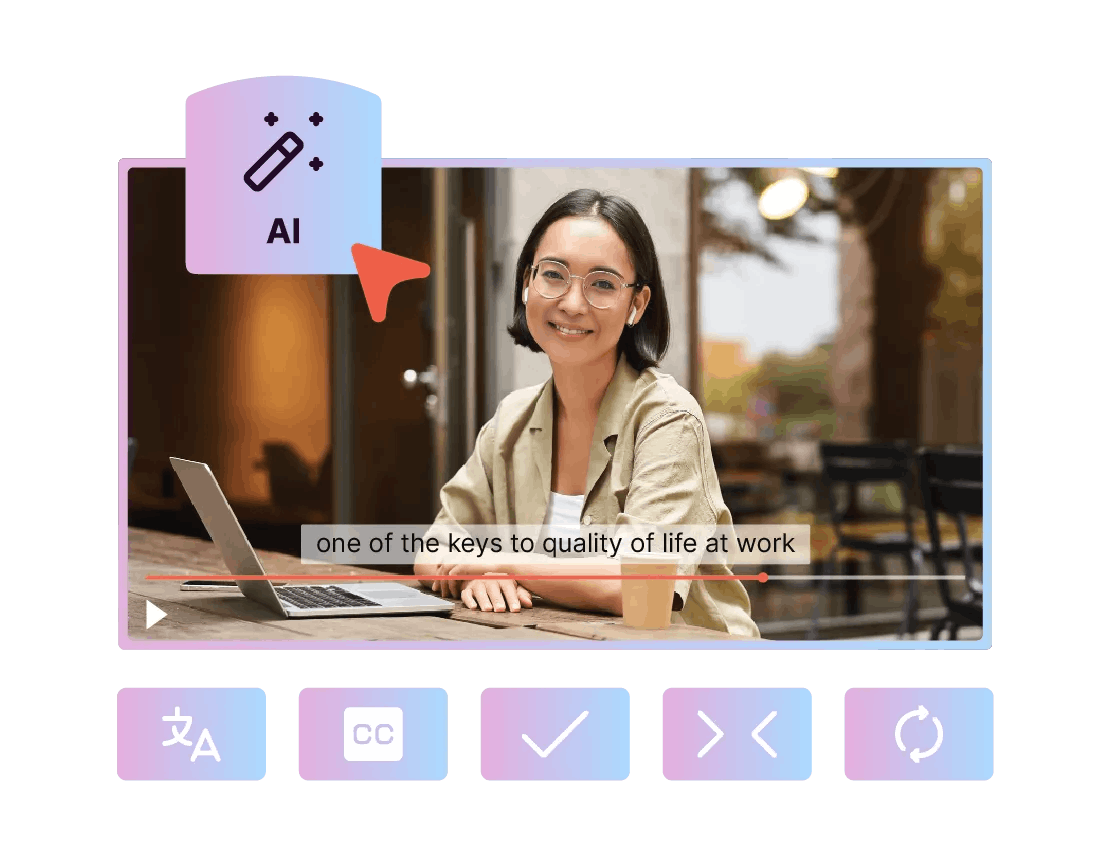
Easily integrate and transcribe your subtitles thanks to our speech recognition feature.

Unlimited revisions
As your training courses evolve, so do your videos. Modify your them as often as you need!

Voice-over
Integrate a voice-over into your video if you need to, or use our text-to-speech feature to convert your texts into audio. This functionality helps to engage your audience, whether for training or any other type of video: marketing, internal or external communications, or employer branding videos.
They trust us
They chose Pitchy's training video creator


"In general, when I show a video made with Pitchy, people ask me, "Which agency did this!""
Romain Rosset
Astore International Marketing/Communication & CRM Manager

“Pitchy made it easy for us to create our own teasers quickly, flexibly and, above all, at a much lower cost than an external service provider. It's an easy tool to learn for people who have never done video editing before.”
Patricia Thiss
Training Manager

"We chose Pitchy because we were looking for a tool that would allow us to industrialise our video production, that is to say to produce a large number of videos quickly and with a minimum of effort."
Jaimie Mayet
Digital Marketing and Innovation Manager

"At the end of the training, there were no concerns; we quickly realised that we would be able to take control of our video creation"
Marion Deshays
Communications and Customer Relations Manager
Ressources
Most popular resources

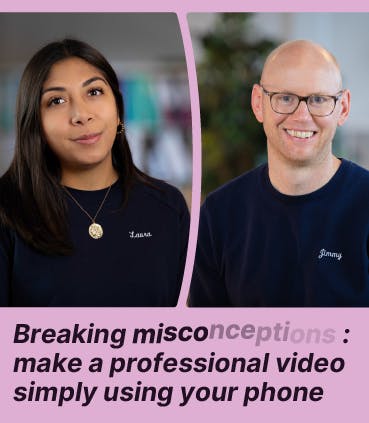
Make your own video tutorial easily! Access our replay free of charge.

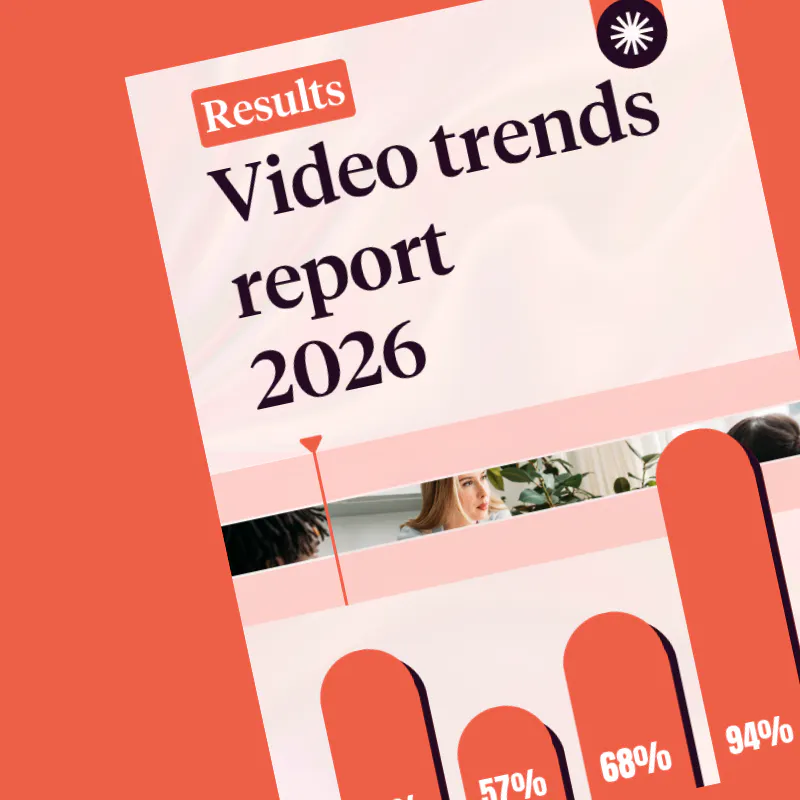
We've got lots of ideas for trendy videos for your training courses!
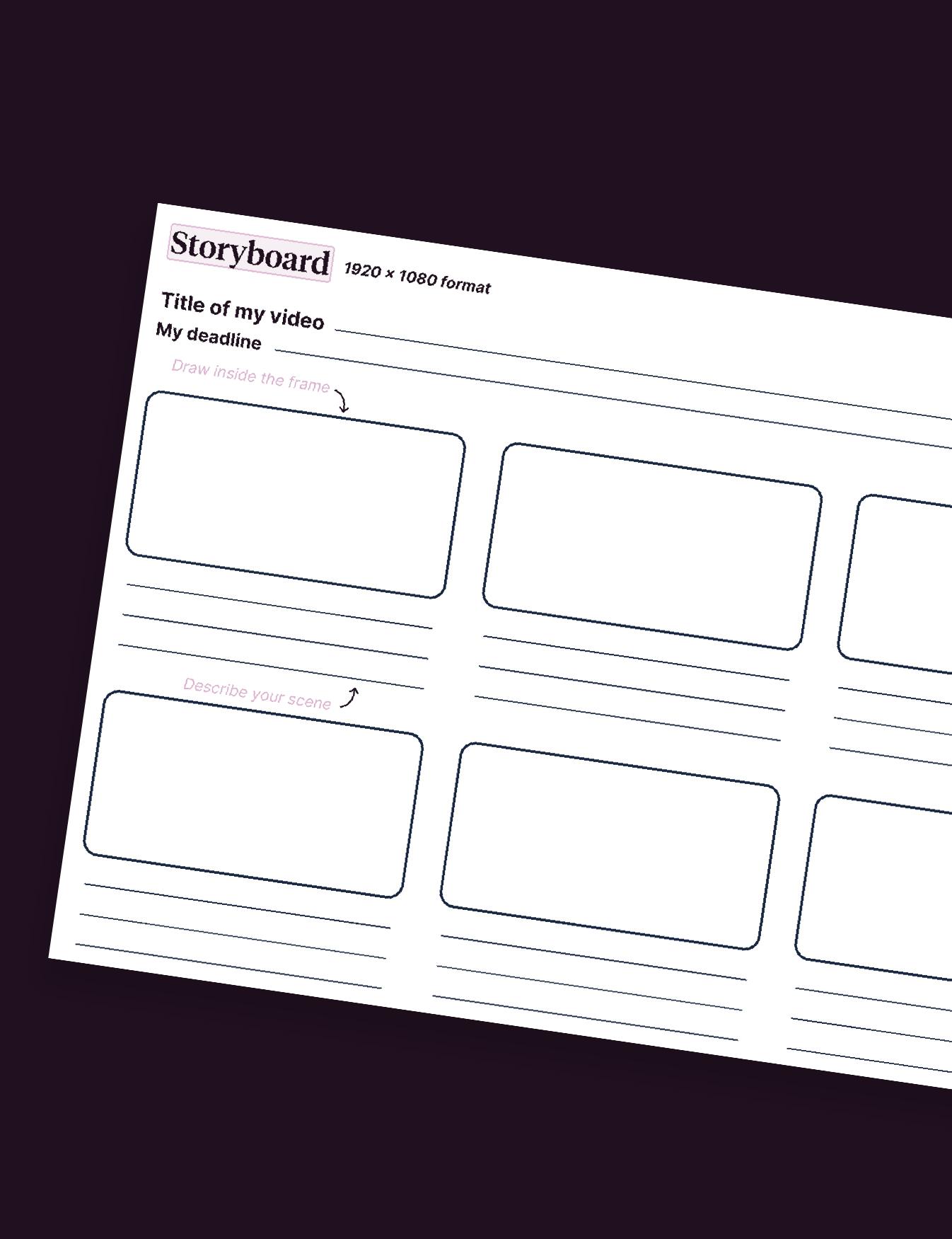
Find out all about this key stage in video creation!
Using Pitchy in other businesses

HR &
Employer Branding
Attract, hire, and retain the best talents by creating videos that serve your employer brand.

Internal
Communications
Engage your employees in internal communications using video.

External
Communications
Strengthen your brand image through video, serving your communication team.
Marketing
Enhance conversion and visibility for your company through video.
Why use video in training?
Within companies, creating videos for training is essential as learning is increasingly happening remotely. Videos combine visuals and auditory elements to facilitate learning and better memorisation of the topic. Moreover, companies provide video tutorials (for example, mini online courses) allowing learners to train in a few minutes on a subject.
Thanks to Pitchy, one of the best sofware solutions, users can create professional training videos easily with their own video clips and pimp them with customised animations at a competitive cost.
How widely is video used for training in 2026?
Training is one of the leading internal use cases for video: 46% of companies using video for internal communications use it for training purposes, right behind company culture and HR communications. These figures come from our 2026 Pitchy video Barometer, based on a survey of over 250 companies.
Can Pitchy be used for other types of videos beyond training?
Yes. Pitchy also covers internal comms and external communications, marketing, and HR & employer branding needs, all from the same platform. Discover all our use cases to see how Pitchy can support your entire organisation.
Can we use Pitchy to create videos that comply with your company’s brand guidelines?
Pitchy offers its users various levels of customisation. From simple style guide implementation to bespoke animated sequences and even a dedicated visual identity. You can easily ensure that your brand’s visual identity is reflected in all your videos and incorporate your company’s assets to create a comprehensive experience, entirely independently and in line with established brand guidelines.
Can you create SCORM videos without any technical skills?
Yes. With Pitchy, you can create SCORM-compatible interactive videos without needing any technical skills or development knowledge. The interface is designed to be intuitive: choose a template, customise your content, add your interactions (quizzes, buttons, forms, etc.), then export your video in SCORM format in just a few clicks. This gives you a module ready to be integrated into your learning management system.
Why include employee testimonials in your training programmes?
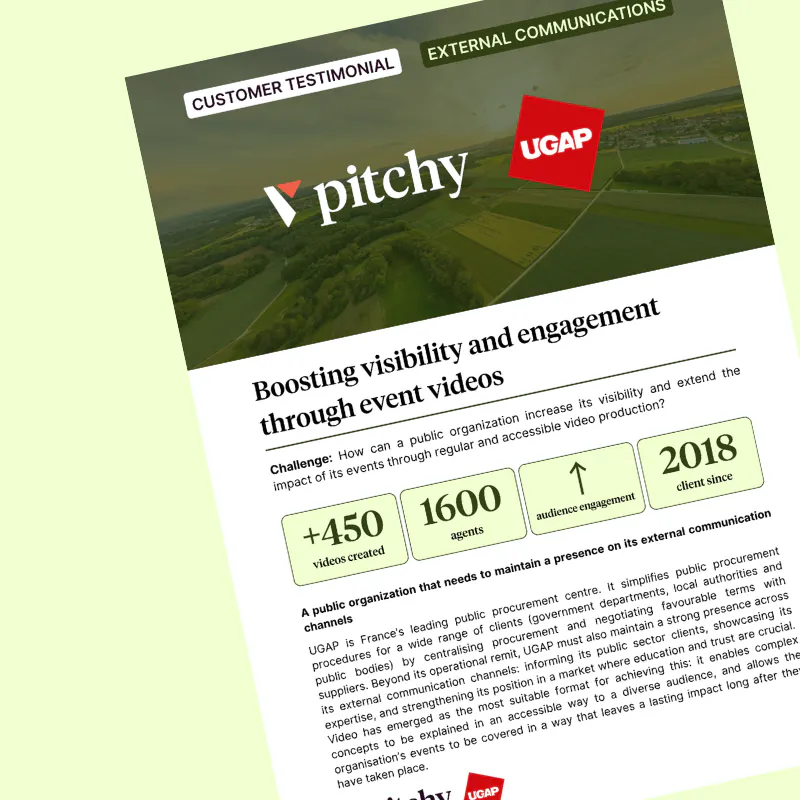
Testimonial videos are an excellent way to share genuine user feedback, encourage buy-in for a project or promote a training programme. They give a voice to users, staff or managers to illustrate the practical benefits of a tool or initiative. Find out, for example, how the Les Mousquetaires Group produced three testimonial videos in its retail outlets to highlight user feedback on its HR tools.
Don't waste time, gain autonomy!
Get all the information you need during a demo with one of our video experts.